
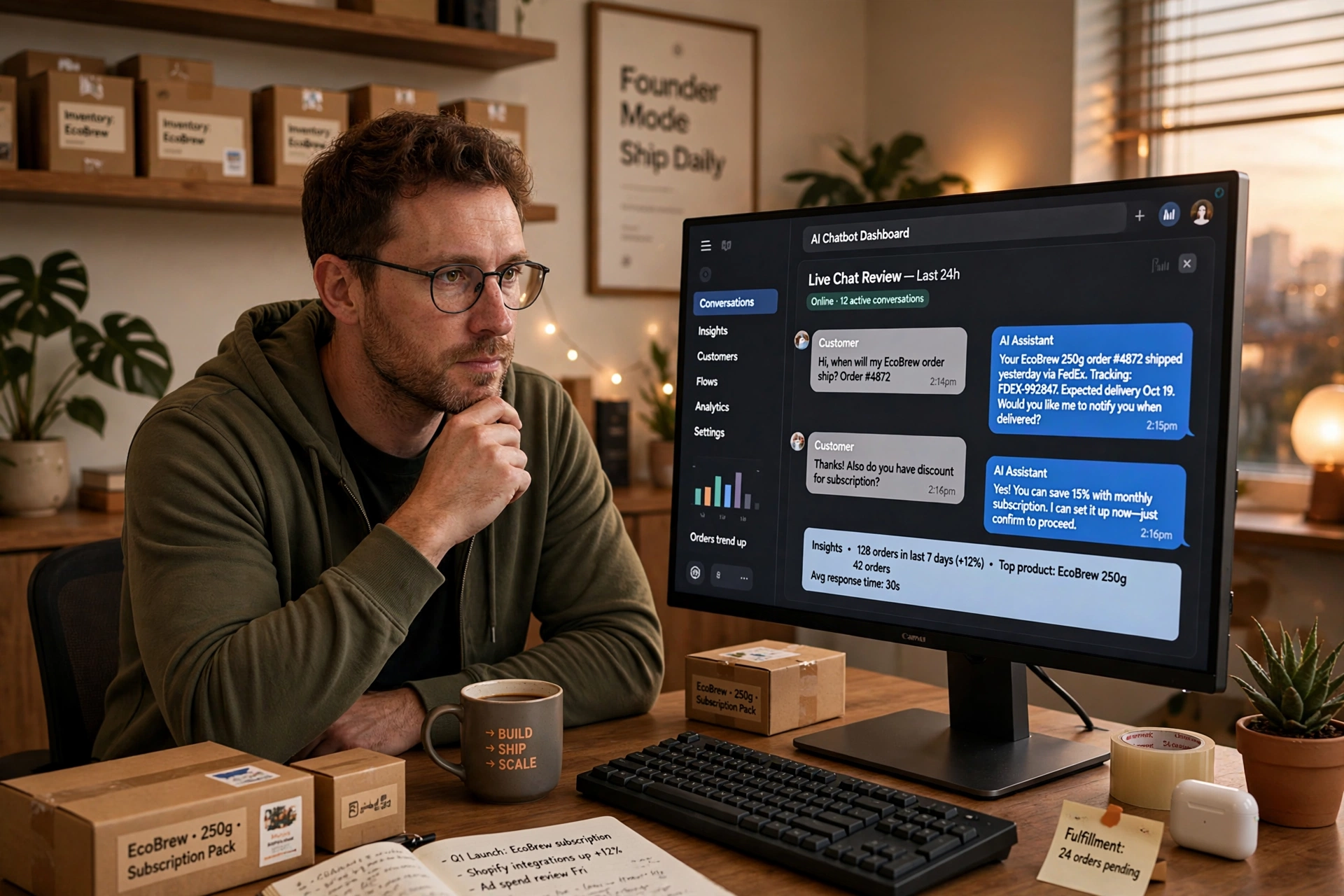
Shoppers do not wait anymore. When a visitor has a question about sizing, shipping, or returns at midnight, they expect an answer in seconds, not the next business day. Stores that answer fast win the sale. Stores that do not watch the visitor leave.
An AI chatbot for ecommerce is how small and mid-sized stores answer fast without hiring a round-the-clock support team. It lives on your site, chats with visitors in plain language, and handles the repetitive questions that eat up your day. In this guide, you will learn what these chatbots actually do, how they work inside an online store, the seven highest-value use cases, and how to pick the right one.
What Is an AI Chatbot for Ecommerce?
An AI chatbot for ecommerce is a conversational assistant powered by artificial intelligence that talks with shoppers on your website, usually through a chat widget. Unlike the old rule-based bots that only follow a fixed script, an AI chatbot understands natural language. A shopper can type “do these run small?” and get a useful answer, even if nobody programmed that exact sentence. For a wider view of the category, see our guide to e-commerce chatbots.
Under the hood, these tools combine natural language processing with your store data: product catalogs, inventory levels, shipping rules, and return policies. When a shopper asks about delivery time to Chicago, the chatbot does not guess. It pulls your actual shipping settings and answers with the real number.
The key difference from live chat is scale. One chatbot can hold hundreds of conversations at once, at 3 a.m. on a Sunday, without getting tired or forgetting your return policy. Your human team then spends its time on the conversations that truly need a person.
How AI Chatbots Work in an Online Store
A typical setup takes less than a day and follows four steps.
First, you connect the chatbot to your store platform, such as Shopify or WooCommerce. The chatbot reads your product catalog, pricing, and policies automatically. Most tools sync this data continuously, so answers stay accurate when prices or stock change.
Second, you train it on your business specifics. You feed it your FAQs, shipping tables, and return policy. Modern AI chatbots also learn from past support tickets, so they pick up the phrasing your customers actually use. The more real conversations it sees, the better it gets at matching intent. A shopper who writes “will this arrive before Friday?” and one who writes “delivery time??” are asking the same thing, and a trained bot knows it.
Third, you place the chat widget on your site and decide when it appears. Common triggers include time on page, exit intent, and cart value. A visitor staring at the shipping page for 60 seconds is a perfect moment for the chatbot to offer help. Many stores also trigger the widget on the checkout page, where last-minute doubts kill conversions. A short “Need a hand with anything before you check out?” can rescue a sale that was seconds from being lost.
Fourth, you set handoff rules. The chatbot resolves what it can and passes complex cases to a human, along with a full transcript. Nothing falls through the cracks, and your team never starts a conversation blind. Good handoff rules also protect the customer experience: the bot should transfer the moment it detects frustration, a high-value order, or a complaint, not after three failed guesses.
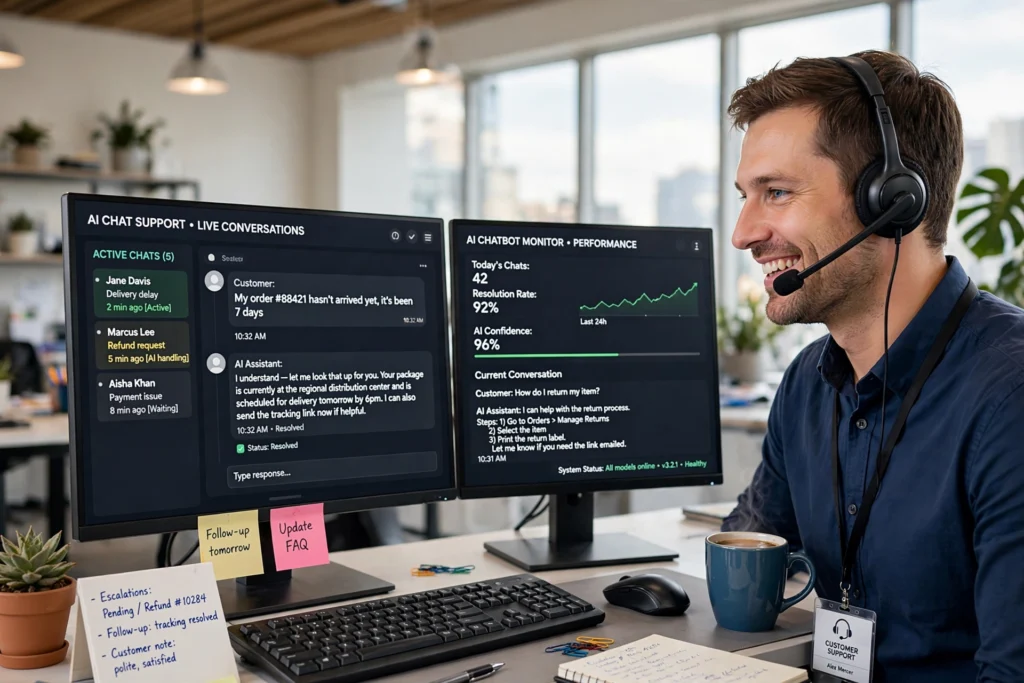
7 Ways Ecommerce Stores Use AI Chatbots
1. Answering product questions instantly
“Is this waterproof?”, “Does it come in blue?”, “What is the inseam?” These questions decide purchases, and shoppers will not email you to ask. An AI chatbot answers from your catalog in seconds, which keeps buying momentum alive.
2. Recovering abandoned carts
Nearly seven in ten carts are abandoned. A chatbot can message the shopper before they leave, ask what held them back, and offer the missing detail, a discount, or a simpler checkout path. Even a small recovery rate pays for the tool many times over.
3. Recommending products like a salesperson
By asking two or three smart questions, a chatbot narrows your catalog the way a good store clerk would. “Who is the gift for?” and “What is your budget?” turn an overwhelming category page into three strong picks. Relevant recommendations raise average order value without feeling pushy. The same AI can also draft product descriptions that sell the features it recommends.
4. Handling order tracking and returns
“Where is my order?” is the most common support ticket in ecommerce. A chatbot connected to your fulfillment system answers it instantly with live tracking, and it can start a return or exchange by itself. This single use case can cut ticket volume dramatically. Paired with modern order fulfillment software, it can pull live tracking status into the chat.
5. Qualifying wholesale and bulk inquiries
B2B buyers ask detailed questions about minimums, lead times, and pricing tiers. A chatbot collects the key facts, answers standard questions, and books qualified buyers straight into your sales calendar. Your reps talk only to serious prospects.
6. Collecting reviews and feedback
A day or two after delivery, the chatbot can check in, confirm everything arrived fine, and ask for a review. Timing matters: asking while the experience is fresh produces far more reviews than a generic email a week later.
7. Running promotions conversationally
Instead of a static banner, the chatbot can announce a sale, explain the offer, and guide shoppers to qualifying products. Interactive promotion feels personal, and it works especially well during holiday peaks when your team is stretched thin.
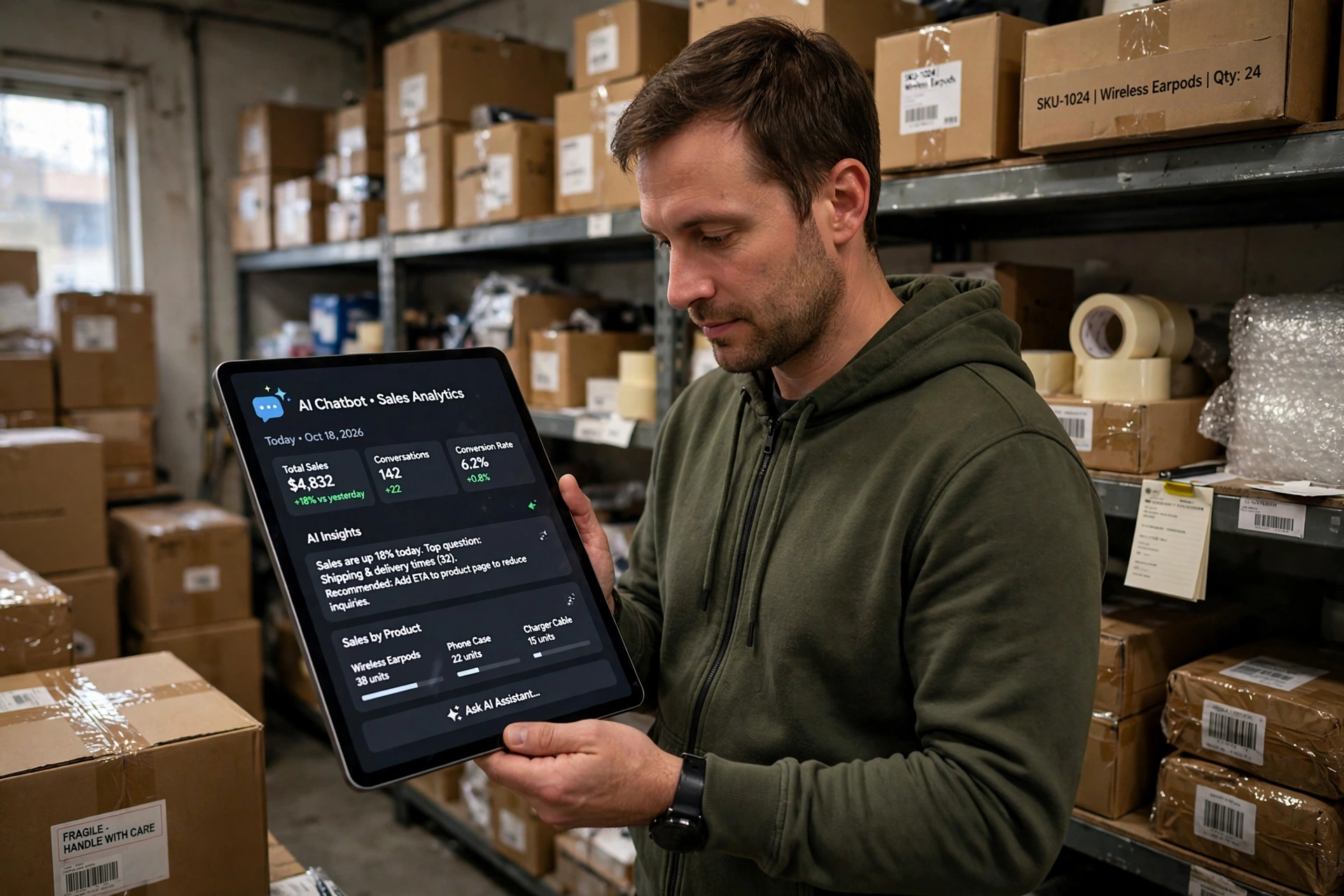
AI Chatbots vs Rule-Based Chatbots
Not every chatbot is an AI chatbot. The older generation follows decision trees: if the shopper clicks “shipping,” show the shipping answer. Anything off-script gets a dead-end “I don’t understand.” Here is how they compare.
| Feature | Rule-based chatbot | AI chatbot for ecommerce |
|---|---|---|
| Understanding | Only exact keywords and buttons | Natural language, typos and all |
| Answers | Pre-written responses | Generated from your live store data |
| Product recommendations | Fixed lists | Personalized from browsing behavior |
| Learning | Never improves on its own | Gets smarter from conversations |
| Setup effort | Heavy scripting | Train on FAQs and catalog |
| Best for | Simple FAQ deflection | Sales, support, and personalization |
If your goal is just to deflect a few FAQs, a rule-based bot is fine. If you want the chatbot to sell, recommend, and resolve issues, you need the AI version. One more practical difference: rule-based bots break the moment a shopper phrases something unexpectedly, while AI bots recover gracefully. That resilience is what makes the difference between a widget shoppers ignore and one they actually use.
5 Metrics That Show Your Chatbot Is Working
Vanity metrics like “chats started” tell you nothing. Track these five instead.
Resolution rate is the share of conversations the chatbot completes without human help. A healthy range is 60 to 80 percent for support queries. Below that, your training data needs work.
Revenue per conversation connects chats to money. Divide attributed revenue by total conversations. This single number settles most debates about whether the chatbot earns its keep.
Cart recovery rate measures how many abandoned carts the chatbot brings back. Even a 5 percent recovery on high-intent traffic is meaningful at scale.
Customer satisfaction (CSAT) after chatbot conversations should match or beat your human support baseline. If it lags, read the low-rated transcripts first. They point straight at the gaps.
Escalation rate tells you where the bot gives up. A rising escalation rate on a specific topic means that topic needs better training data or a redesigned flow, not a better bot.
Review these monthly. Trends matter more than any single snapshot, because a chatbot compounds: every fix you make this month pays off in every conversation next month.
Common Mistakes Stores Make With AI Chatbots
The biggest mistake is launching without training data. A chatbot connected to nothing but a product feed gives generic answers that frustrate shoppers. Spend the hour uploading your FAQs, policies, and past tickets before going live.
The second mistake is hiding the human escape hatch. Shoppers tolerate bots, but they hate feeling trapped. Always show a clear “talk to a person” option, especially on billing and complaint topics.
The third mistake is setting and forgetting. A chatbot is not a plugin you install once. Stores that review transcripts weekly in the first two months end up with bots that resolve far more conversations than stores that never look.
How to Choose an AI Chatbot for Your Ecommerce Store
Start with integration, not features. The chatbot must connect deeply with your platform, your helpdesk, and your email tool. A beautiful demo means nothing if it cannot read your real inventory.
Next, check the AI quality. Ask vendors how the bot handles ambiguous questions and what happens when it does not know an answer. The best tools admit uncertainty and escalate gracefully instead of inventing policies. A chatbot that hallucinates a free-returns promise you never made will cost you real money.
Look at analytics before you buy. You want conversation transcripts, resolution rates, and revenue attribution per chat. If you cannot measure what the chatbot earns, you cannot improve it or justify the cost.
Consider total cost honestly. Many tools charge per conversation or per resolved ticket, which scales with your traffic. Model the cost at your current volume and at double that volume, then compare it against the support hours and recovered carts it should deliver.
Finally, test with real shoppers, not just your team. Run a two-week pilot on a slice of traffic and read the transcripts yourself. You will learn more from fifty real conversations than from any sales demo.

Best Practices for Getting Results
Keep the chatbot’s personality aligned with your brand, but never pretend it is human. A short “I’m the store assistant” line builds trust and sets expectations. Shoppers do not mind bots; they mind being tricked.
Review transcripts weekly, especially in the first month. You will spot questions you forgot to train, answers that need tightening, and moments where the handoff to a human should happen sooner. This review loop is where the real performance gains come from.
Do not automate everything on day one. Start with the three use cases that hurt most, usually order tracking, product questions, and cart recovery. Expand once those run smoothly. A chatbot that does three things well beats one that does ten things poorly.
Measure from the start. Decide your target resolution rate and revenue per conversation before launch, and check them after thirty days. Numbers keep everyone honest about whether the tool is working.
Frequently Asked Questions
How much does an AI chatbot for ecommerce cost?
Pricing varies widely. Entry-level tools start around $30 to $50 per month, while advanced platforms with deep integrations can run several hundred dollars monthly. Most charge based on conversations or resolutions, so model the cost against your traffic before committing. Always run the numbers at double your current traffic too, so growth does not surprise you.
Will a chatbot annoy my shoppers?
Only a bad one. A well-set chatbot appears at helpful moments, answers accurately, and hands off to a human when stuck. Stores that review transcripts and keep training the bot see satisfaction scores rise, not fall.
Can an AI chatbot really increase sales?
Yes, through three levers: answering pre-purchase questions that unblock buying, recovering abandoned carts, and recommending relevant add-ons. The effect compounds because the chatbot works every hour your store is open, including the ones your team is asleep for.
Do I need technical skills to set one up?
No. Modern chatbot platforms are no-code: connect your store, import your FAQs, and place the widget. Most stores go live the same day. The ongoing work is reviewing conversations and refining answers, not coding.
What is the difference between an AI chatbot and live chat?
Live chat is a human typing in real time. An AI chatbot responds instantly and handles unlimited simultaneous conversations, then escalates the tricky ones to your team. Most stores use both: the bot for scale, humans for nuance.
How long until the chatbot pays for itself?
Most stores see meaningful ticket deflection within the first month and measurable revenue impact within two to three months. The timeline depends on your traffic and how aggressively you train the bot in the first weeks. Stores that review transcripts weekly get there faster.
Conclusion
An AI chatbot for ecommerce is no longer a novelty for big brands. It is a practical tool that answers questions at midnight, recovers carts you would have lost, and gives every shopper something close to personal attention. Start with your three most painful use cases, train the bot on real customer language, and review transcripts weekly.
Pick the tool that integrates with your stack, admits what it does not know, and shows you the revenue it drives. Do that, and your chatbot becomes one of the hardest-working members of your team, one that never sleeps.

Muhammad Talha breaks down complex AI tools into simple, step-by-step guides for e-commerce entrepreneurs. His goal: to help you work smarter, not harder, by leveraging artificial intelligence
1 thought on “AI Chatbot for Ecommerce: What It Is and How to Use It in 2026”