

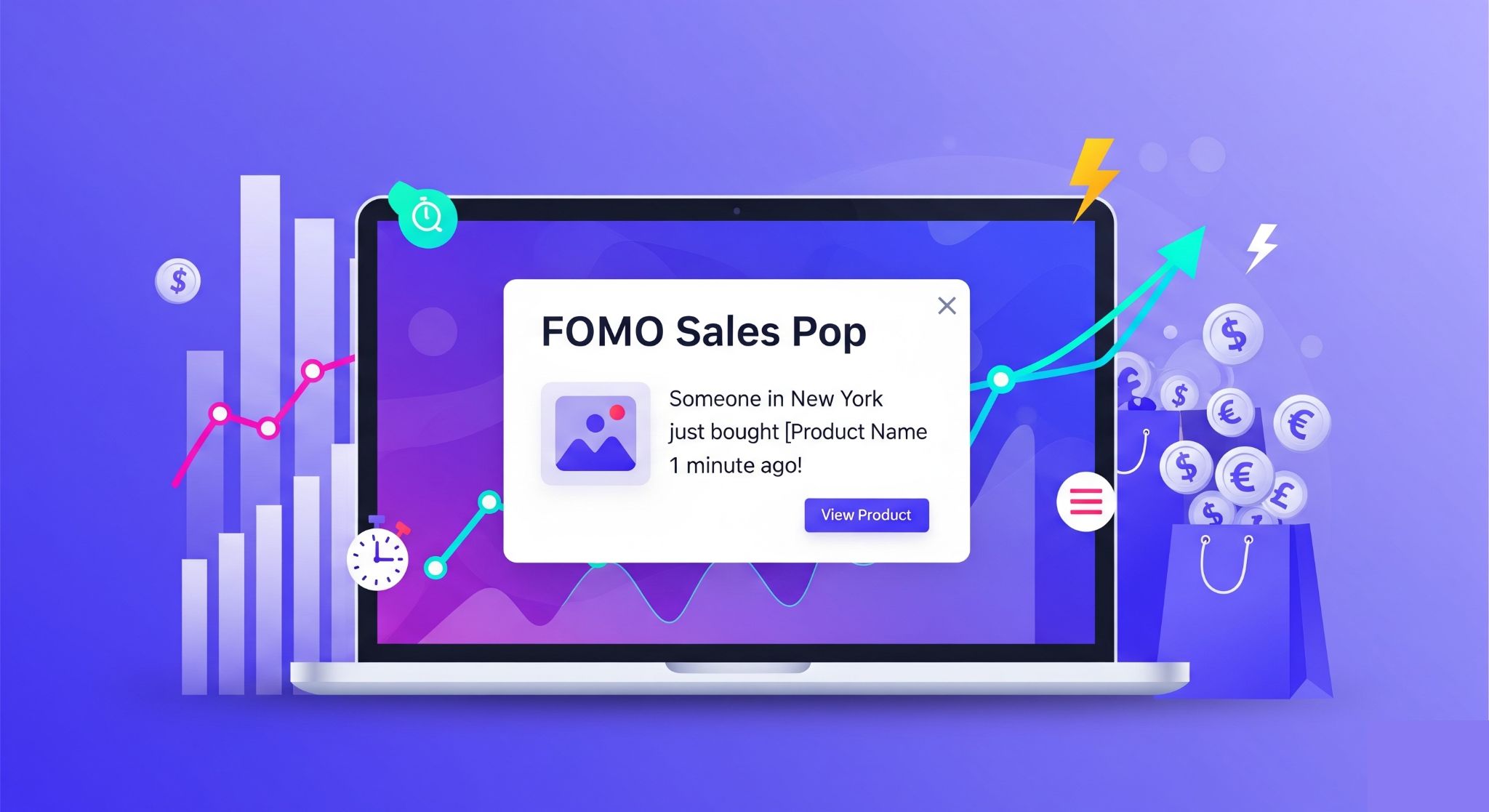
In the world of e-commerce, trust is the currency. If a visitor lands on your store and sees zero activity, they are likely to leave. This is where Social Proof comes in.
Our Free Sales Pop Generator allows you to create realistic, high-converting notification popups that simulate a busy store environment. By displaying recent purchases, low stock alerts, and live viewer counts, you trigger FOMO (Fear Of Missing Out), encouraging visitors to buy now rather than later.
Why Use the Aisyntric Sales Pop Tool?
Unlike other tools that charge monthly subscriptions or force you to install heavy plugins, our tool is:
- 100% Free: No hidden fees, no credit card required.
- Lightweight: The generated code is pure HTML/CSS/JS. It won’t slow down your site speed (Core Web Vitals friendly).
- Universal: Works on Shopify, WordPress, WooCommerce, Wix, Custom HTML, and any other platform.
🆚 Comparison: Aisyntric vs. Paid Shopify Apps
Why pay $20/month for a simple notification? See how our free generator compares to the leading paid apps on the market.
Why is this 100% Free?
Fair question! We believe basic social proof shouldn’t cost $29/month. We offer this tool for free to build trust with the e-commerce community—hoping you’ll check out our premium AI tools later. No hidden scripts, no data tracking, just clean code.
Key Features of v9.0 Ultimate
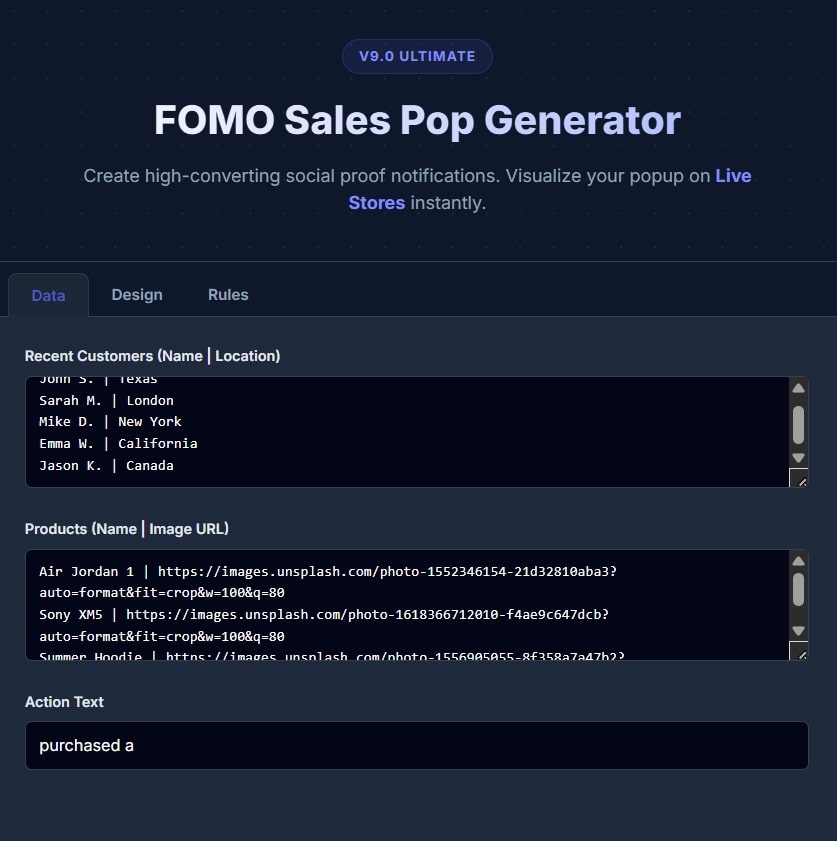
1. Smart “Mix” Logic (Exclusive Feature)
Most generators just loop fake names. Ours is smarter. You can enable “Viewer Count Mode” and “Low Stock Mode.”
- Realism: The script automatically mixes standard “Purchase” notifications with urgent alerts like “Only 3 left in stock” or “25 people are viewing this page.”
- Psychology: This variation prevents “banner blindness” and keeps customers paying attention to the notifications.
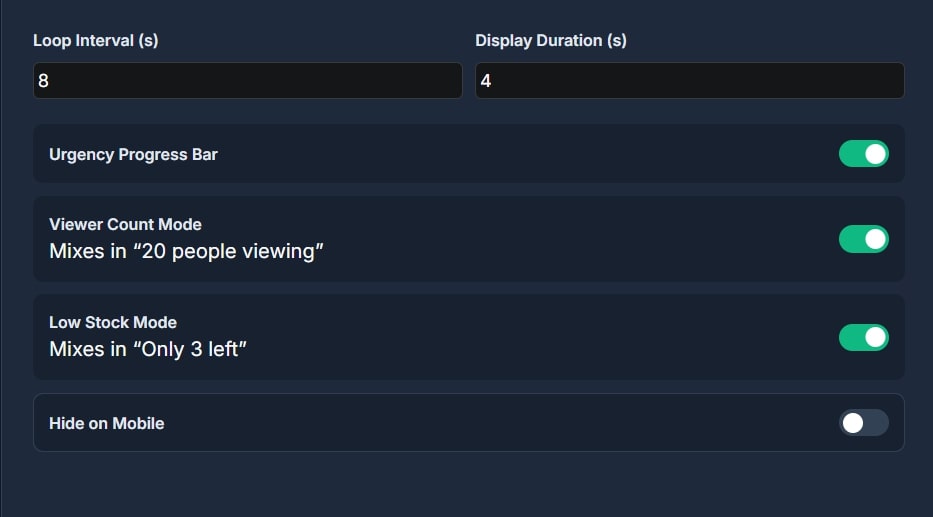
2. Fully Customizable Design
Match your brand identity perfectly.
- Premium Glow: Add a subtle neon glow to make the popup stand out on dark themes.
- Verified Badge: Toggle the blue “Verified” checkmark to increase trust.
- Animations: Choose between Slide Up, Fade In, or Bounce effects.
- Mobile Optimized: Decide if you want to hide the popups on mobile devices to save screen space.
3. Dynamic “Urgency” Progress Bar
Every popup includes an optional progress bar at the bottom. This visual cue unconsciously signals to the user that “time is running out,” prompting faster decision-making.
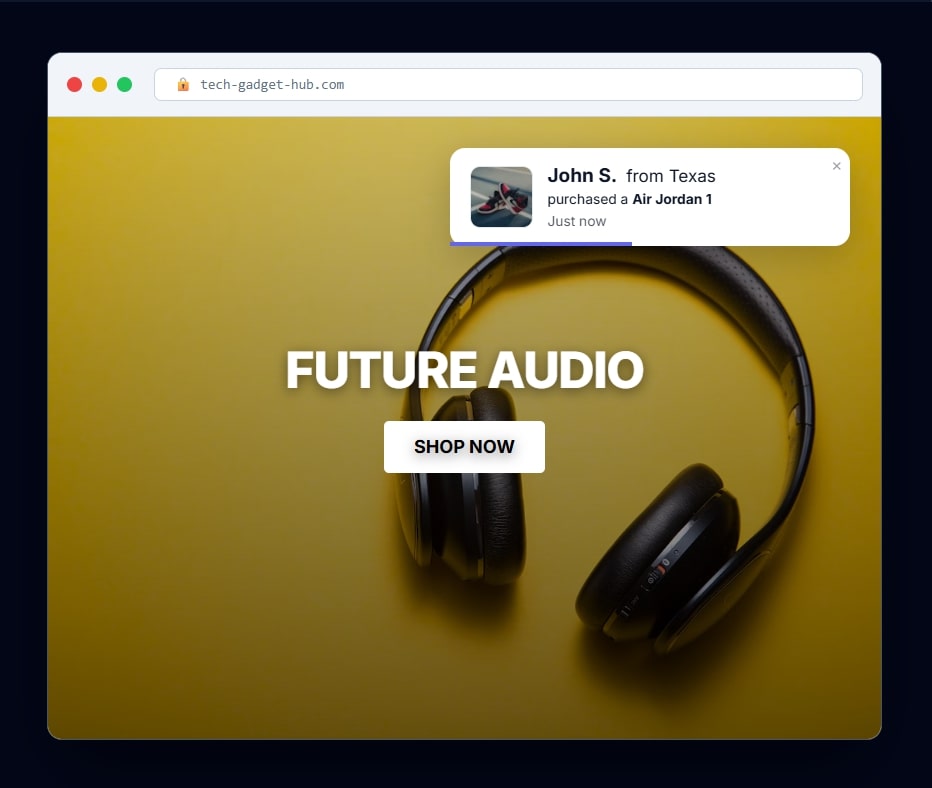
See Your Social Proof in Action: Before you install anything, our Live Preview lets you visualize exactly how the notification will appear on a real store. The example below demonstrates a standard “Recent Purchase” popup. Notice the clean layout, the product image, and the optional “Verified” badge—all designed to build instant credibility and show new visitors that your store is busy and trusted by others.
💡 Pro Tips: How to Maximize Conversions
Generating the code is easy, but setting it up correctly is the secret to making sales. Here are 3 settings we recommend for the best results:
1. Don’t Show It Immediately
- The Mistake: Showing a popup the second a user loads the page. This feels like spam.
- The Fix: Set the Loop Interval to at least 8 seconds. Let the customer browse a bit before hitting them with social proof.
2. Use “Vague” Locations for Realism
- If you don’t have real data yet, use broader locations in the Data Tab. Instead of “New York City, NY” (which might look fake if seen too often), use “USA,” “UK,” or “Canada.” It feels more natural.
3. Mobile Etiquette
- Popups can be annoying on small phone screens. We recommend checking the “Hide on Mobile” box in the Rules tab if your product images are large. This keeps your mobile user experience clean and Google-friendly.
🛠️ How to Install Sales Pop on Your Website
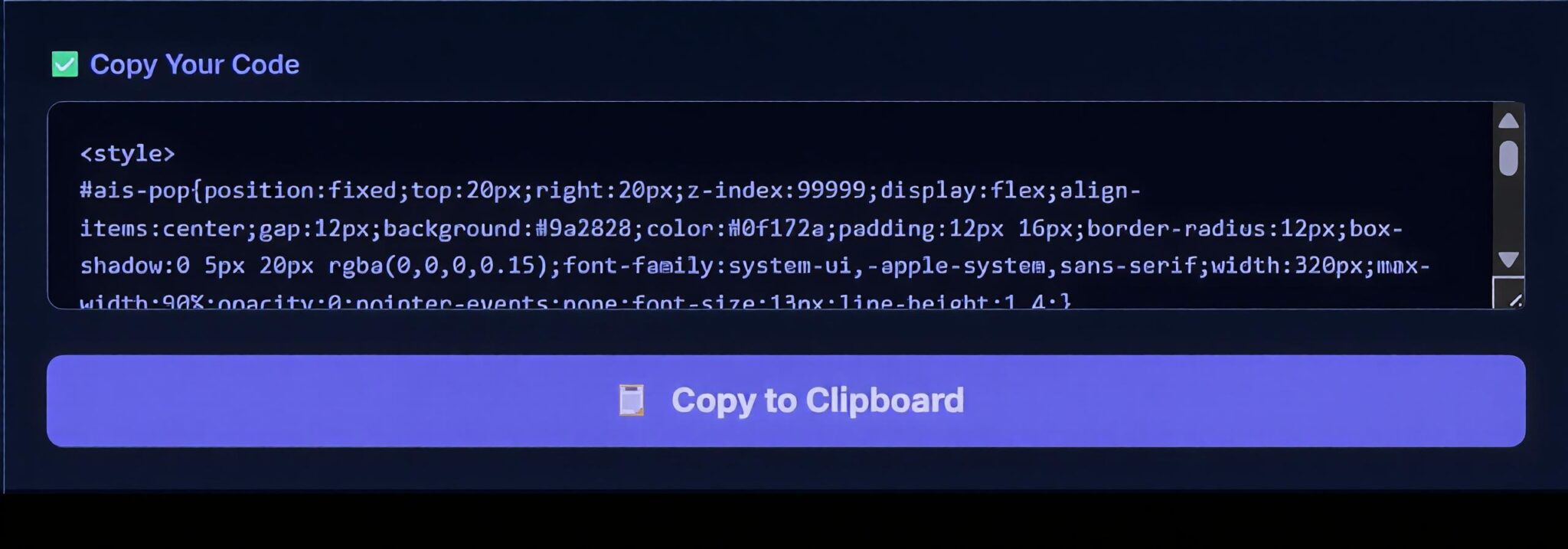
You don’t need to be a developer. Installing your custom notification is a 30-second process.
Method 1: Shopify
- Customize your popup using the tool above.
- Click Copy to Clipboard.
- Go to your Shopify Admin > Online Store > Themes.
- Click the three dots
...next to your theme and select Edit Code. - Open the
theme.liquidfile. - Scroll to the very bottom and paste the code just before the closing
</body>tag. - Click Save.
Method 2: WordPress & WooCommerce
- Install a free plugin like “WPCode” or “Insert Headers and Footers.”
- Navigate to the plugin settings (Code Snippets > Header & Footer).
- Paste your generated code into the Footer section.
- Save changes.
Note: These are two best methods if you want to add popup on whole website but if you want to add on specific page then you should use below method
Method 3: Custom HTML (Most Easiest Way in WP)
Simply paste the generated code anywhere in your HTML file, preferably at the bottom of the page before the </body> tag.
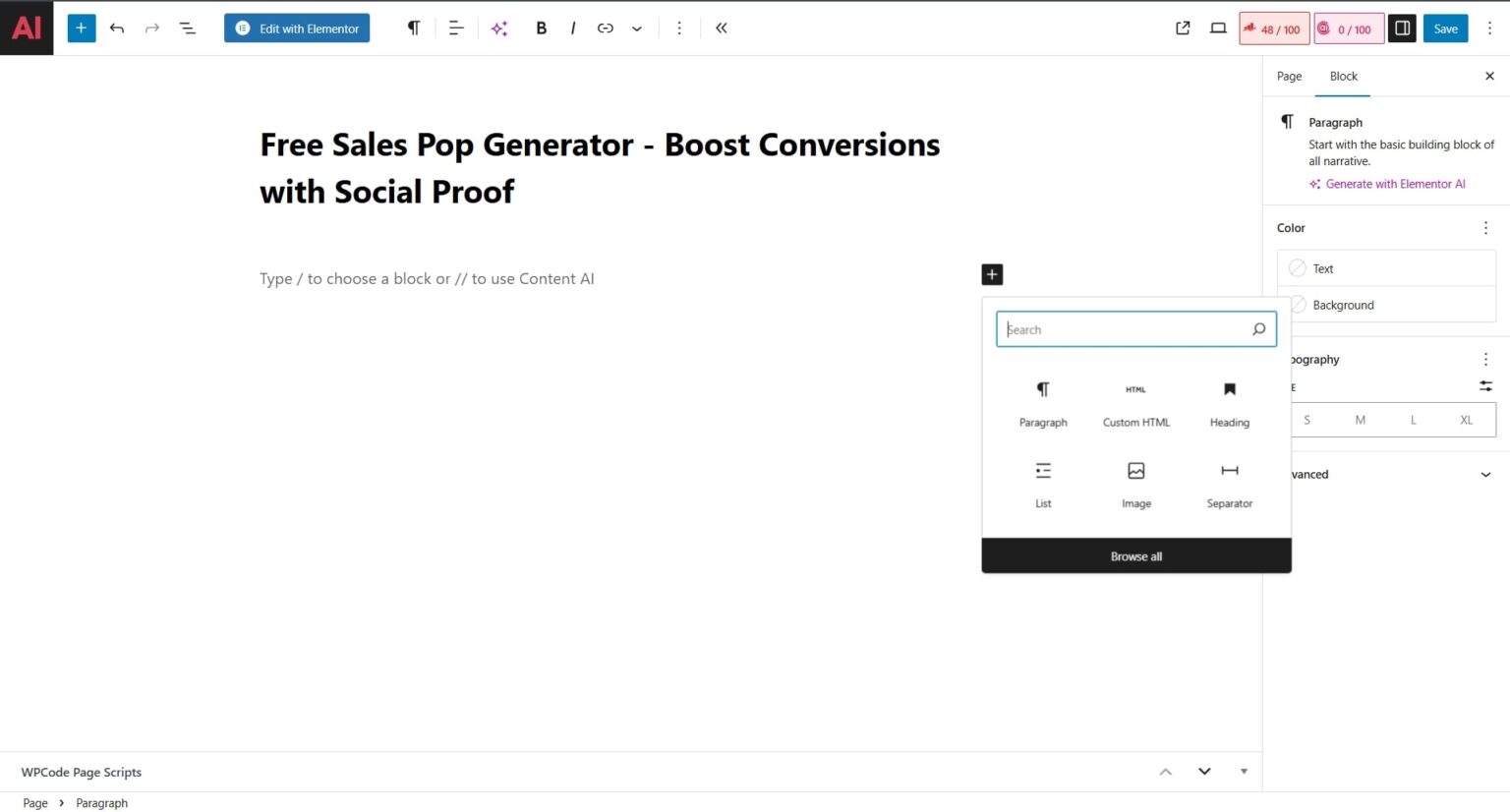
Step 1: First of all open wordpress and add new page the click on plus icon then click on custom HTML Block.
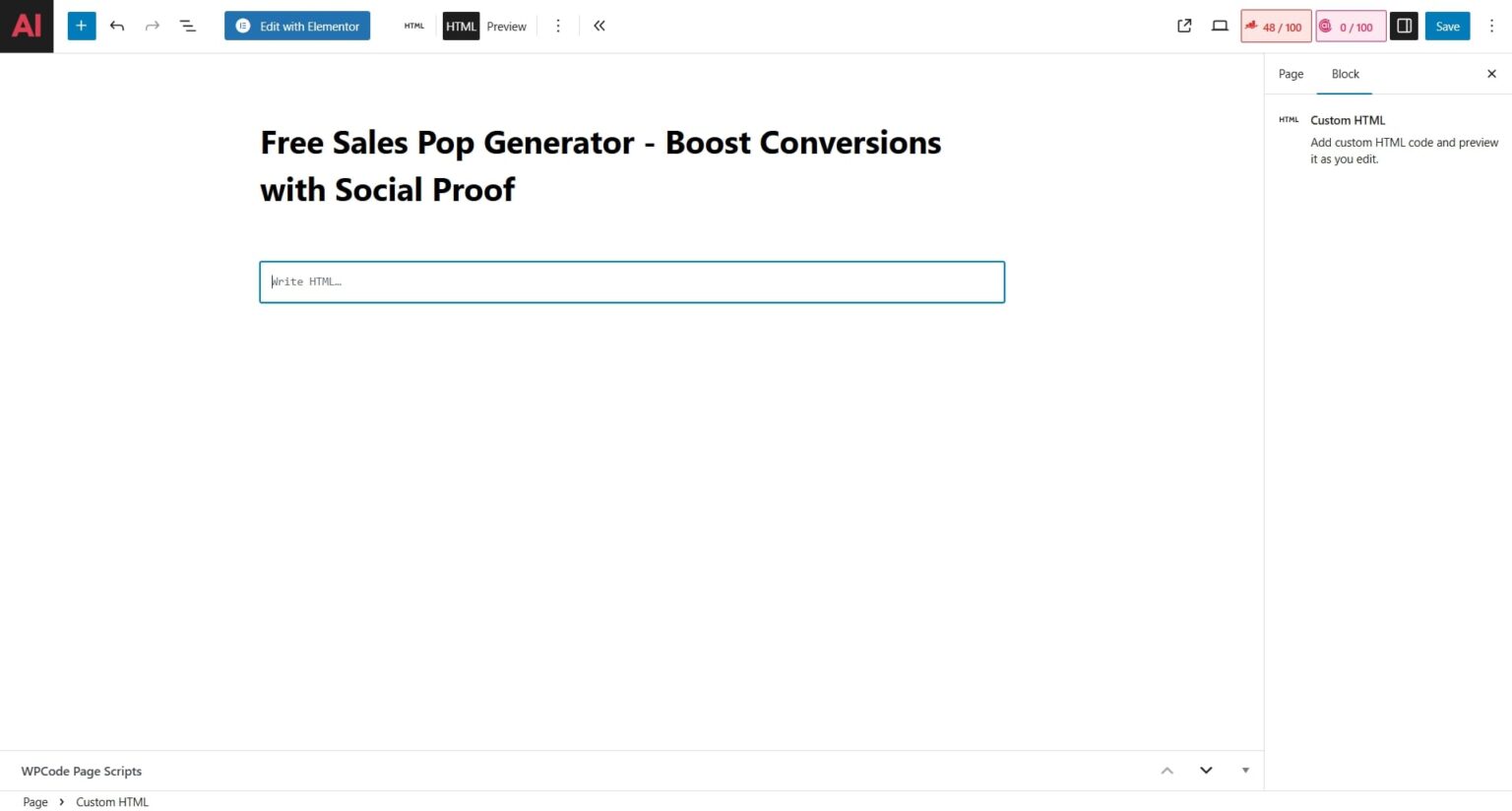
Step 2: Now copy the code from the tool free sales pop generator then paste the code in custom html block.
Step 3: Now click on preview in new tab and then preview will be opened automatically in new tab.
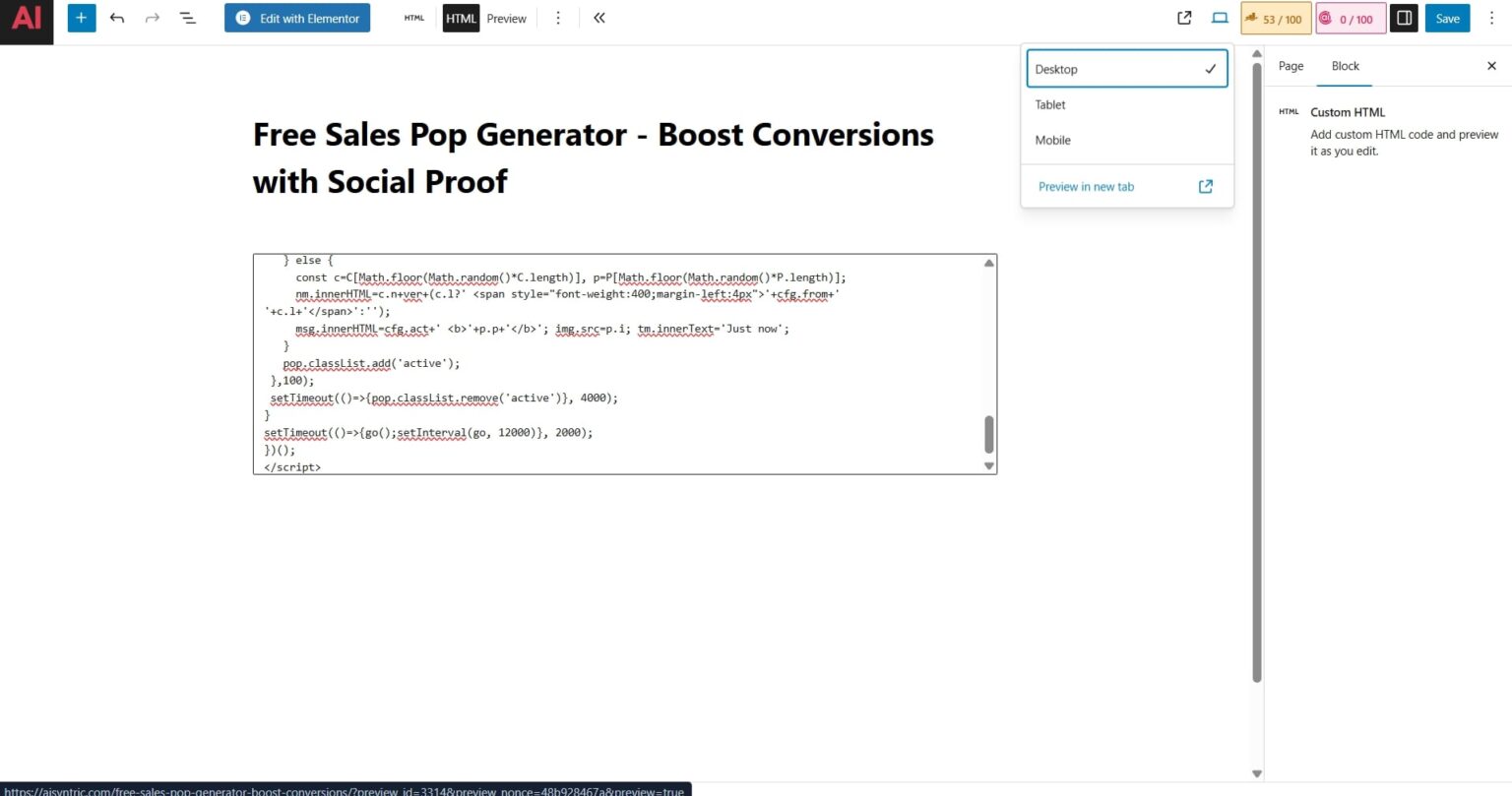
Step 4 : Now in the image below you can see that this type of preview will customers see.
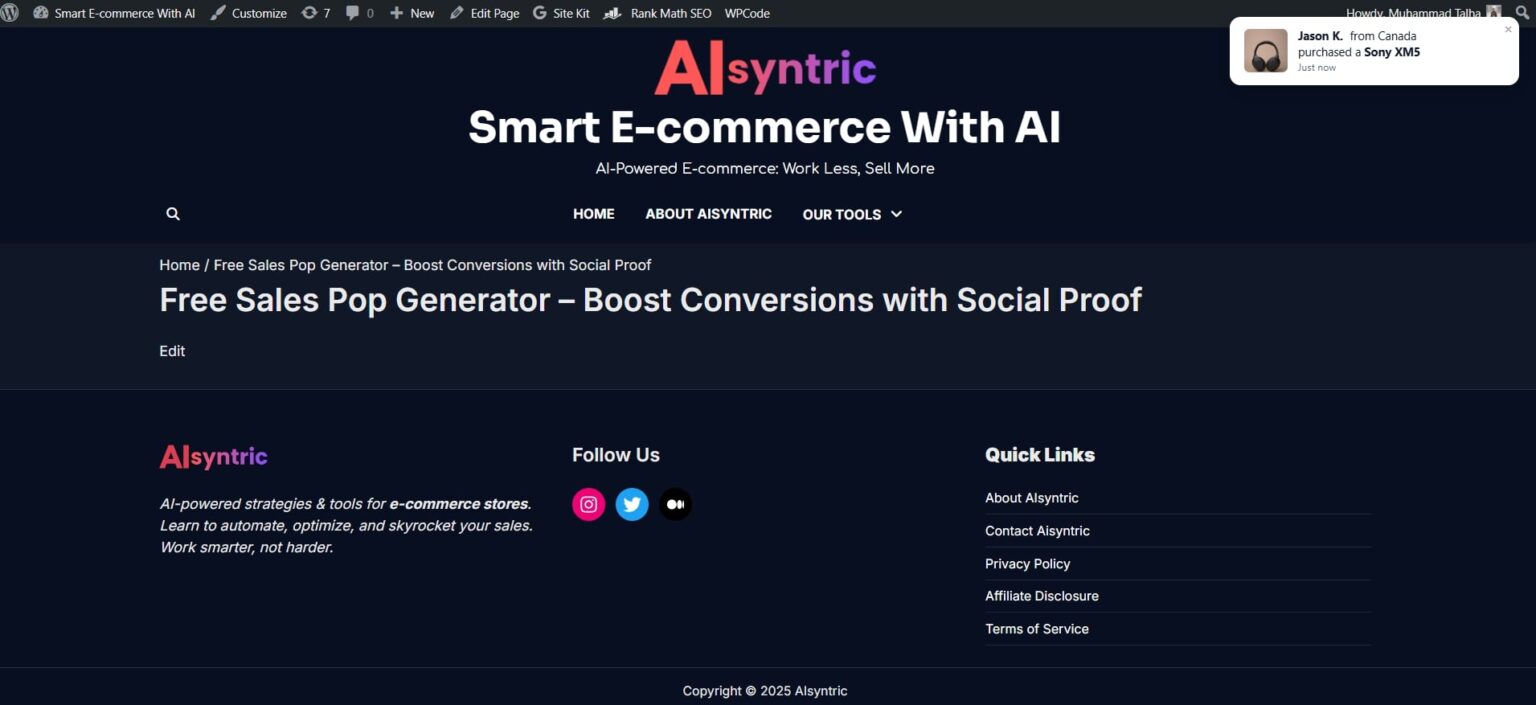
Note: You manually enter product names/images, and the tool simulates the notifications. Because it doesn’t connect to your live store database. But this tool can be a gift for beginners because generally they just start business and cannot spend money on extra setup. But by using this free tool they can boost sales more.
Frequently Asked Questions (FAQ)
Q: Will this slow down my website? A: No. The code is extremely lightweight (less than 5KB) and loads asynchronously, meaning it won’t block your main content from loading.
Q: Can I change the product images? A: Yes! In the “Data” tab of the generator, you can paste direct links to your own product images. The tool will cycle through them randomly.
Q: Is this really free? A: Yes, Aisyntric provides this tool as a free utility for the e-commerce community. There are no watermarks and no monthly fees.

Muhammad Talha breaks down complex AI tools into simple, step-by-step guides for e-commerce entrepreneurs. His goal: to help you work smarter, not harder, by leveraging artificial intelligence